One-tap checkout
No need to enter the card number, expiration date, or address — the details are autofilled from Wallet


Click connects Apple Pay for you: no Apple Developer account, certificates, or changes to the payment code required. Customers pay with a single tap using Face ID, Touch ID, or a passcode
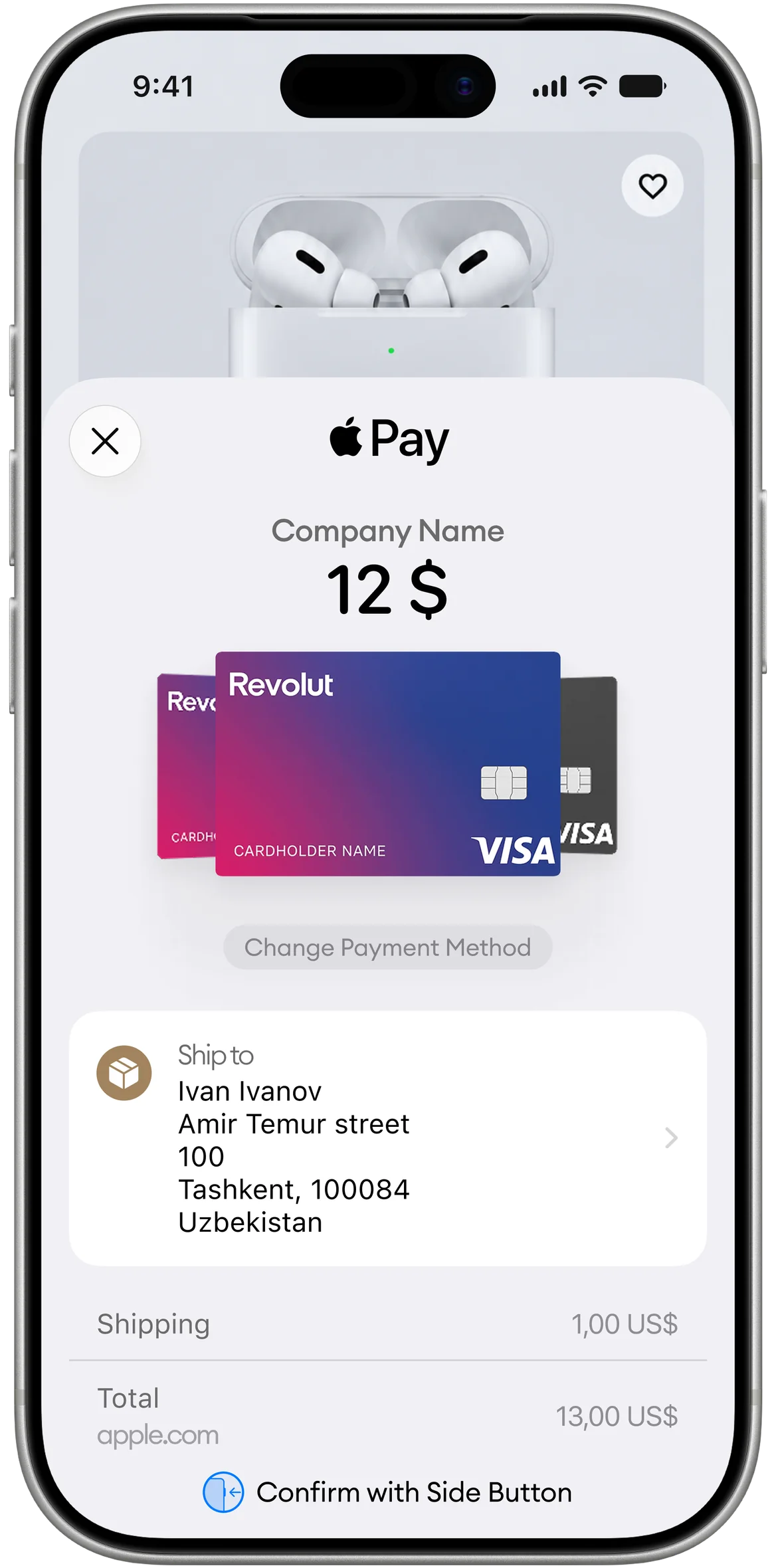
No need to enter the card number, expiration date, or address — the details are autofilled from Wallet
Customers don’t need to look for their physical card — fewer steps, fewer payment declines
A device token and a one-time cryptogram are transmitted instead of the card number. Card details are stored neither on your website nor in Click
A purchasing-power segment that is already accustomed to making one-tap payments offline

The customer places an order and clicks “Pay” on your website
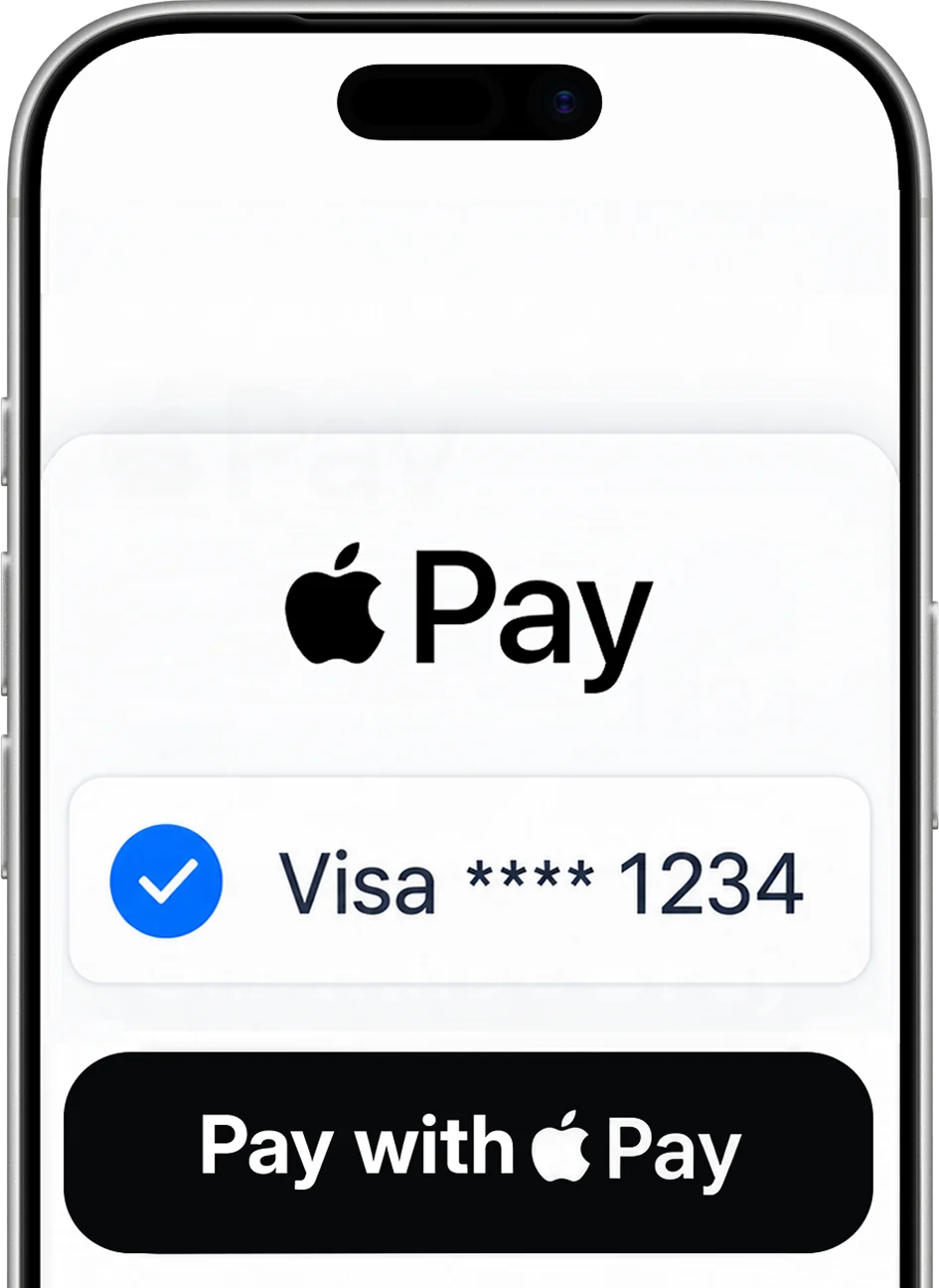
The secure Click payment page opens
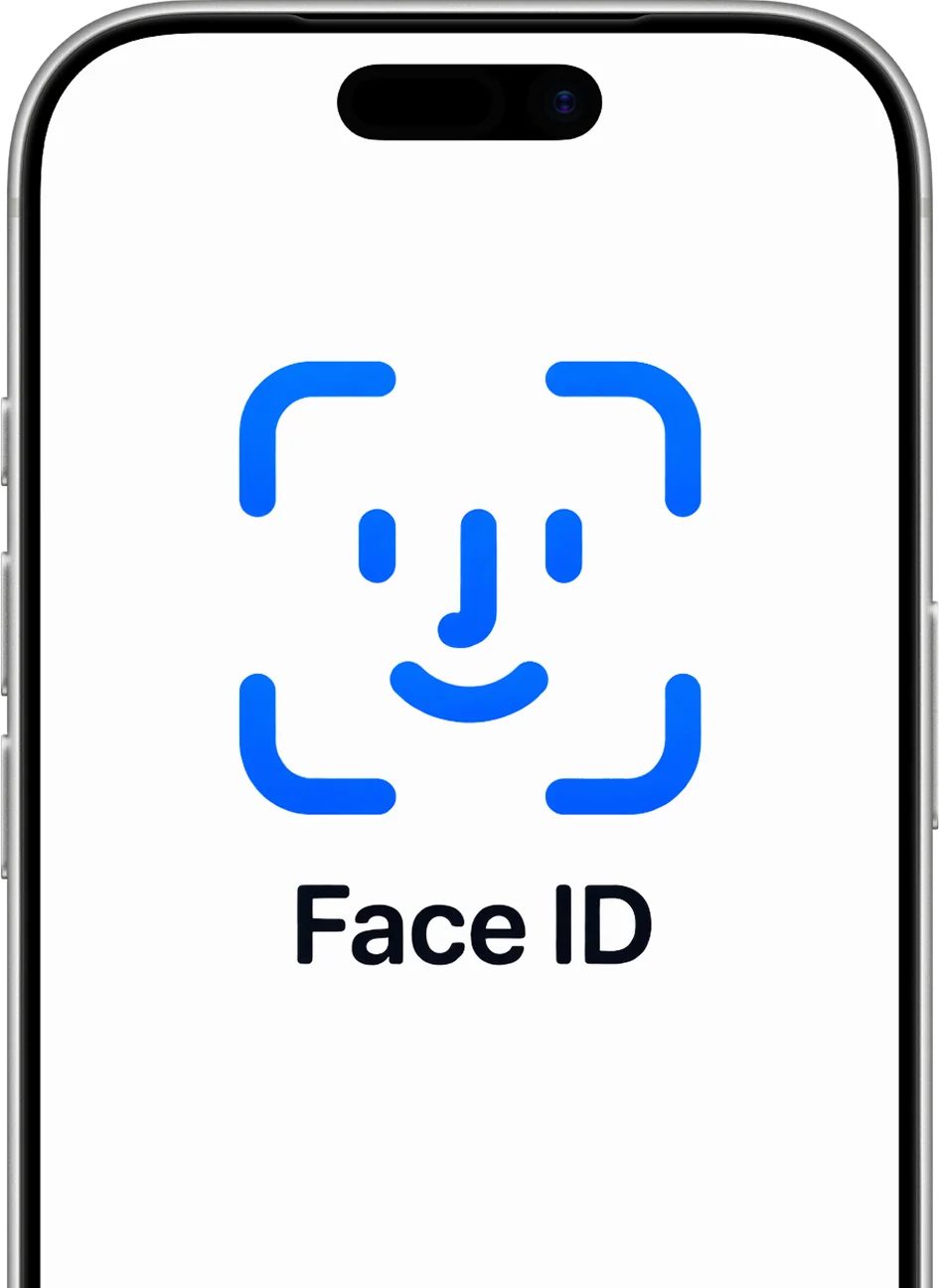
The customer taps the Apple Pay button and confirms with Face ID / Touch ID
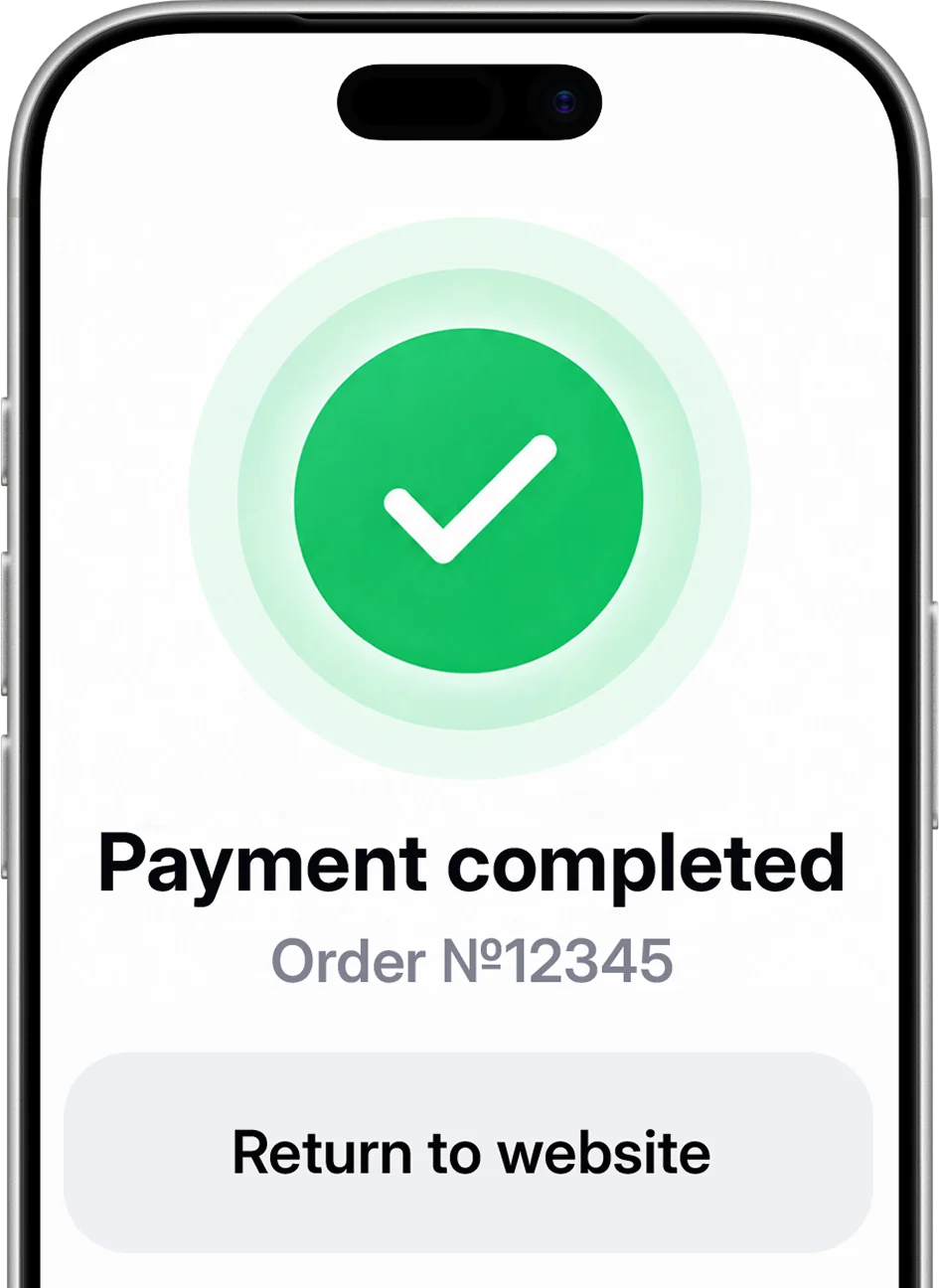
Redirect back to your website with the payment result
Payment method markMain scenario — Click-hosted payment page
All Apple Pay logic runs on Click’s side. The Apple Pay button, session, certificates, and payment token decryption are handled on our payment page. None of this needs to be hosted on your website
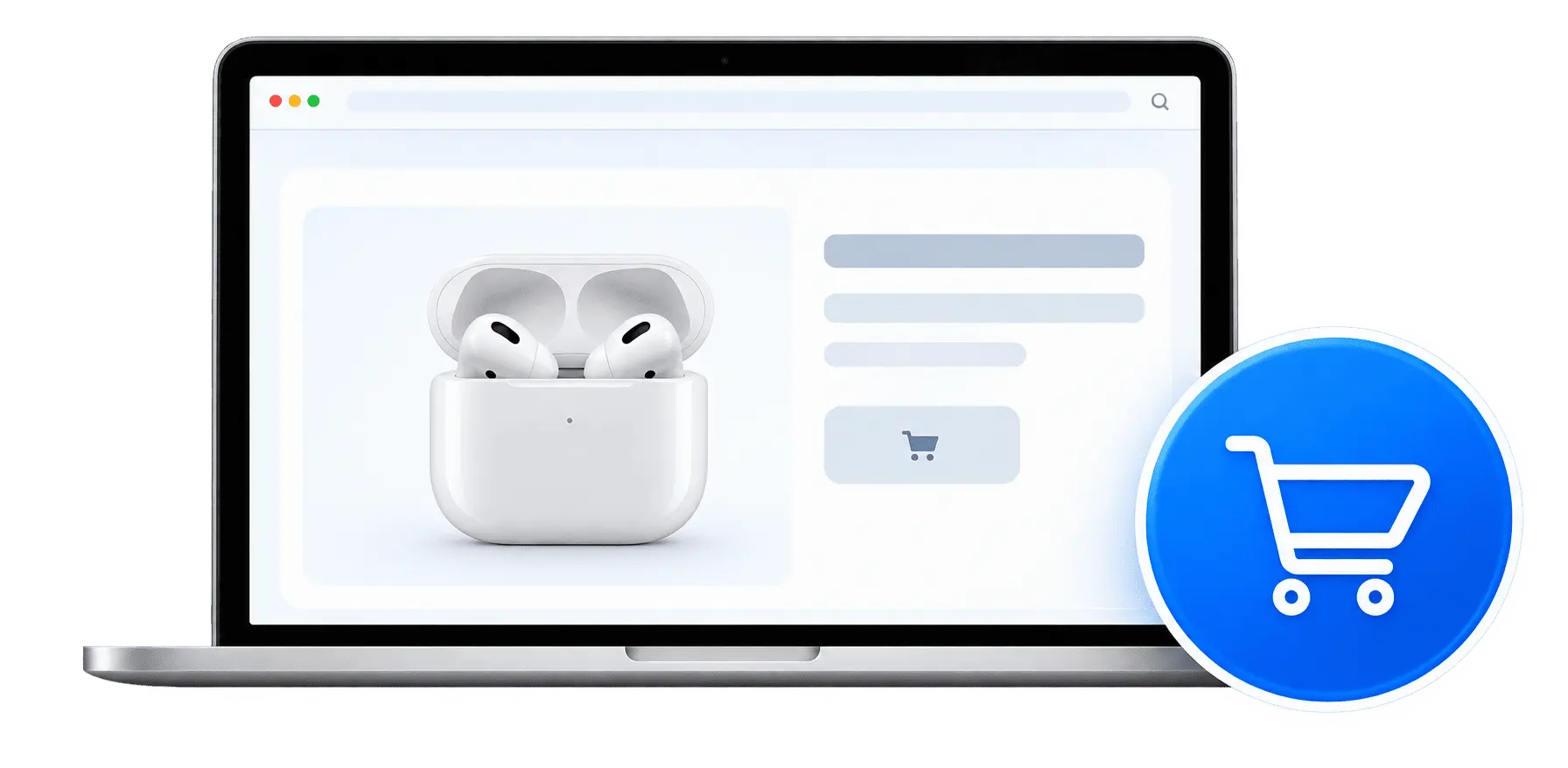
Cart / “Pay” button
Result page

Payment page + Apple Pay button
Sessions, certificates, token decryption
Payment capture, callback to the merchant
Wallet / Face ID
DPAN token + cryptogram
Authorization on the Visa or Mastercard network
You have an agreement, and online payment acceptance is enabled. All that remains is to activate Apple Pay
Enable Apple PayWe’ll set up online payment acceptance and Apple Pay with a single application
Become a partnerLeave your contact details — a Click specialist will contact you and help with the setup
Usually takes a few days
Runs on Click’s side
We’ll help with setup and access